
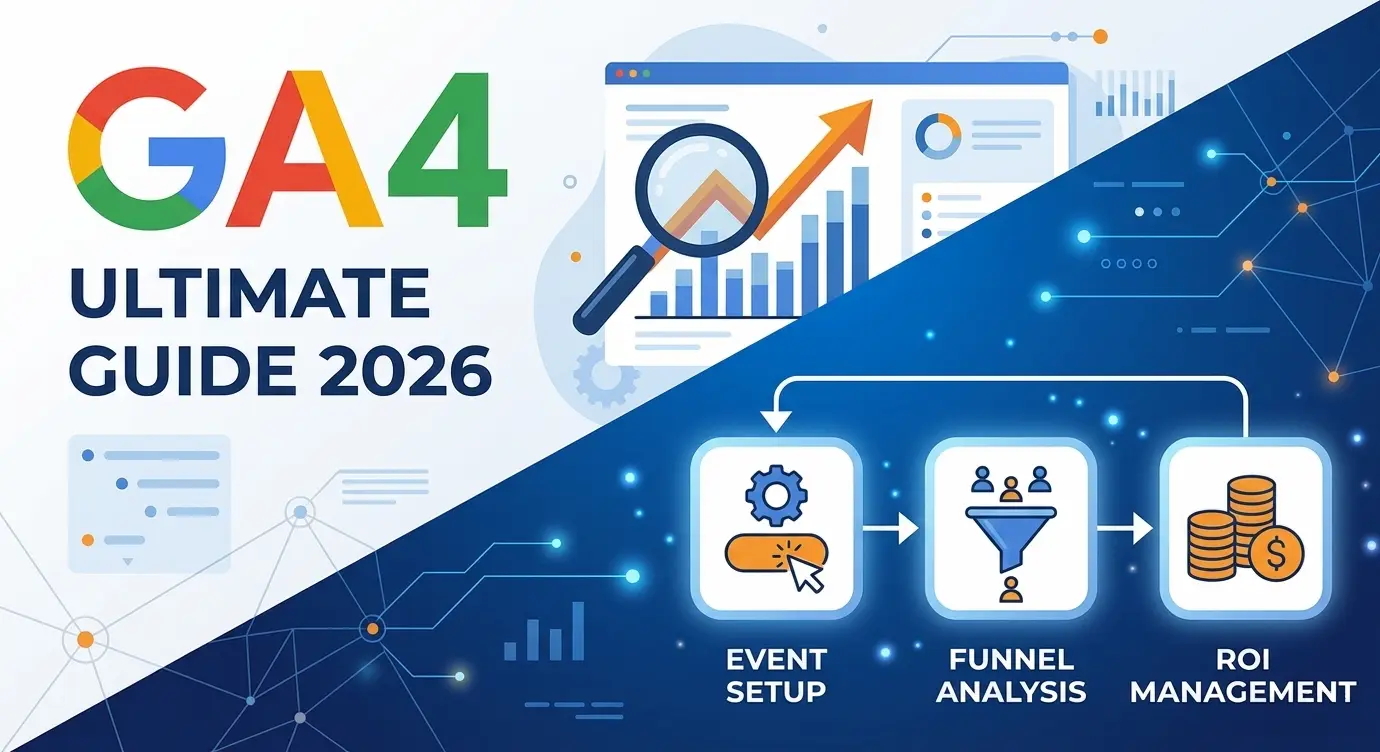
The 2026 GA4 Setup Guide: From Legacy Tracking to Predictive Architecture

In 2026, the debate about "whether to migrate to GA4" is officially history. Universal Analytics (UA) is a relic of the past, and Google Analytics 4 has evolved into a fully-fledged, AI-driven engine for managing enterprise marketing pipelines.
However, a massive problem has emerged: thousands of B2B companies migrated to the new interface but continue to use it with a decade-old mindset.
In this article, we will break down why GA4 is not just an "updated traffic counter," but a fundamentally different data philosophy. How you configure this architecture today mathematically determines the ROI of every dollar in your ad budget.
Why a Default GA4 Setup is Financial Suicide in 2026
- The Cookieless Era: Legacy tracking methods relying strictly on browser cookies are dead. Modern browsers block them, and privacy laws forbid them without consent. GA4 uses machine learning and Data Modeling to fill in the blind spots where users deny tracking. If your GA4 is running on default settings without Consent Mode configured, you are losing up to 40% of your conversion data.
- From Sessions to Pathways: We no longer count "visits." We track the user journey. A B2B buyer might discover you on their iPhone in the morning, browse your services on a work laptop at noon, and submit a lead form via an iPad on the weekend. Without proper Cross-device Tracking, a default GA4 setup will report three separate visitors instead of one highly qualified lead.
- Predictive Analytics: GA4 algorithms can now predict Purchase Probability (the likelihood a user will buy in the next 7 days) and Churn Probability. But these AI features only work if your data architecture is flawlessly clean.
To extract maximum ROI, you must understand the core architectural shift.
Data Architecture Comparison: UA vs. GA4
The Engineering Takeaway: GA4 focuses entirely on User Behavior (what they actually do) rather than the Session (how long the browser was open).
The 5-Minute Technical Audit Checklist
If your developer simply pasted the GA4 code into your website and walked away, your data is compromised. Check these 5 critical settings right now to ensure your analytics are generating pipeline insights, not just collecting "noise."
- [ ] 1. Extend Data Retention (Critical)
- The Problem: By default, GA4 deletes granular user data after 2 months. You cannot run Year-over-Year (YoY) cohort comparisons.
- The Fix: Go to
Admin->Data collection and modification->Data retention. Switch the dropdown from 2 months to 14 months immediately.
- [ ] 2. Activate Enhanced Measurement
- Verify that your Web Data Stream is automatically tracking 90% scroll depth, outbound clicks, and site search. This establishes a baseline without requiring custom code.
- [ ] 3. Enable Google Signals for Cross-Device
- In 2026, this is mandatory. Navigate to
Data Collectionand enable Google Signals. Without this, your Google Ads cannot accurately retarget users across their different devices.
- In 2026, this is mandatory. Navigate to
- [ ] 4. Configure Unwanted Referrals (Payment Gateways)
- The Problem: If your "Traffic Sources" report shows traffic coming from Stripe.com or PayPal.com, your analytics are breaking the user's session during checkout. The system incorrectly attributes the sale to the payment gateway, not your marketing campaign.
- The Fix: Add all payment gateway URLs to the
List unwanted referralssetting in your Data Stream.
- [ ] 5. Consent Mode v2 Compliance
- In 2026, operating without Consent Mode in Europe (GDPR) or California (CCPA) is illegal. Ensure your GA4 deployment correctly interacts with your website's cookie banner (via GTM). If a user denies cookies, GA4 must fire "cookieless" pings to preserve your Data Modeling accuracy.
Summary: Is Your Data Trustworthy?
Analytics configuration is not a "set it and forget it" task. It is the foundational architecture upon which your entire B2B growth strategy is built. If your data is polluted with internal traffic, broken sessions, or non-compliant tracking, you are calculating a fake ROI and making dangerous business decisions.
Are you unsure if your GA4 architecture is flawless? Do not guess with your marketing budget.
👉 Book a Complete Technical Analytics Audit today, and I will architect a pristine, enterprise-grade GA4 setup for your Webflow project.
Read new articles:







Рентабельные рекламные кампании в Яндекс.Директ
Настроим и будем вести контекстную и таргетированную рекламу для вашего бизнеса
Создадим систему привлечения новых клиентов
Уменьшим цену входящего звонка и заявки
Увеличим заказы на маркетплейсах: Ozon, Yandex Market, WB
Подготовим понятные отчеты и аналитику