
Bounce Rate and Pages per Session: How to Analyze and Improve Them
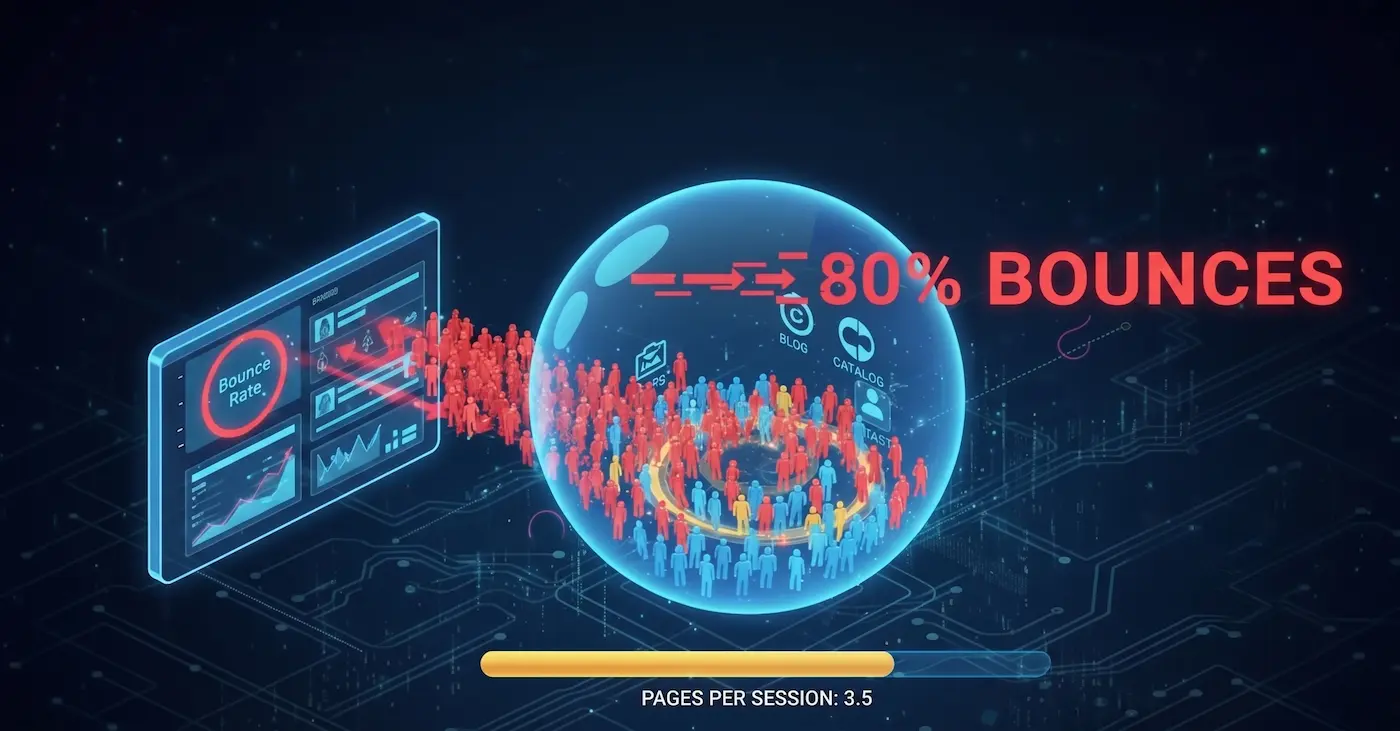
You’ve launched ads and attracted thousands of visitors, but there are no calls or form submissions? Most likely, the problem lies in the quality of your traffic and how users interact with your website. This is where two key behavioral metrics come to the rescue: Bounce Rate and Pages per Session.
Analyzing them together helps you understand exactly why users are dropping off before completing a target action.
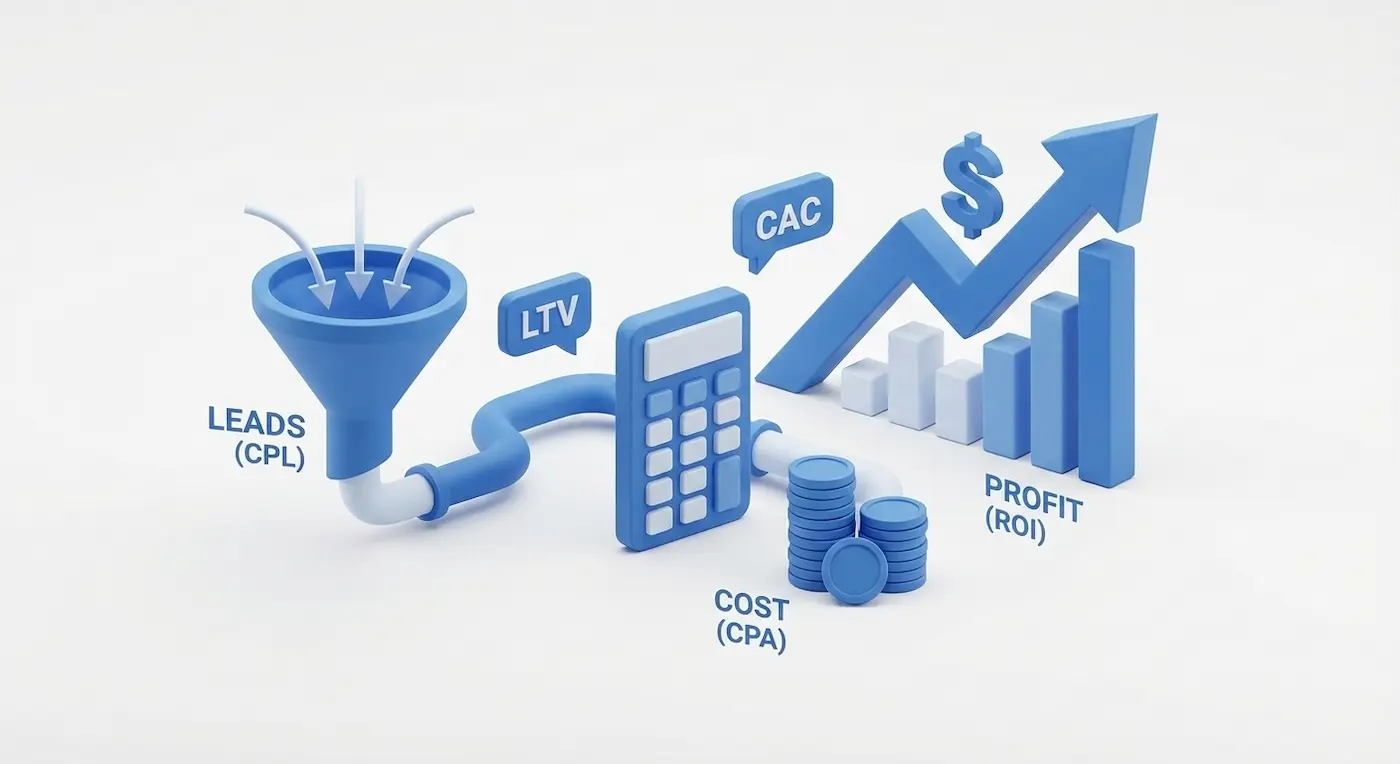
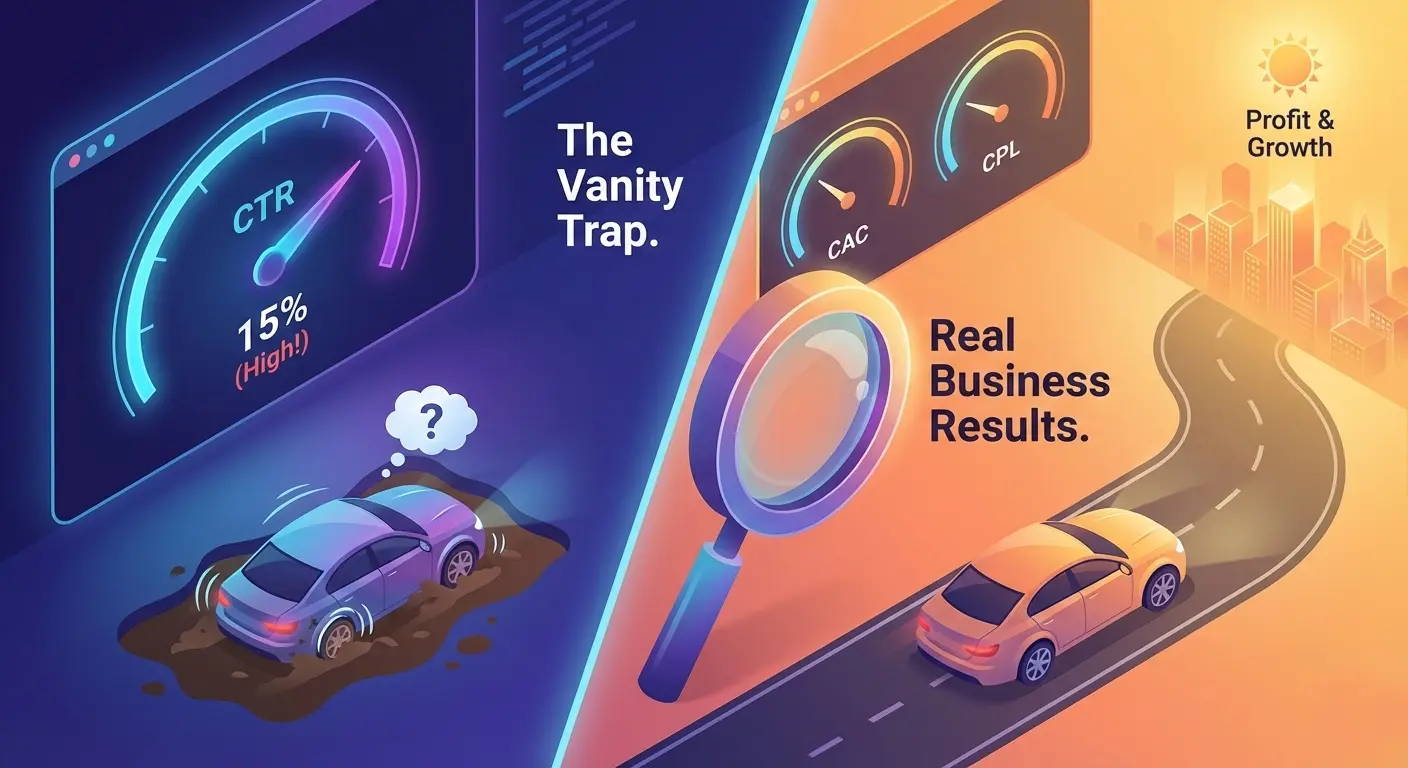
If you are an entrepreneur hiring a marketing agency, ask yourself: is it really worth diving into all these technical terms? The most important metrics for you are the Customer Acquisition Cost and the Cost Per Lead (an inquiry or call), which your sales team will eventually turn into revenue. And, of course, the terms of collaboration with your advertising contractor.
Let's break down what each of these technical terms means and how they help your marketing team make better decisions.
1. Bounce Rate
What it is: The percentage of visitors who land on your website and leave immediately without taking any action—they didn't navigate to another page, didn't click a button, and didn't fill out a form. Essentially, they viewed only one page and bounced.
Note that this doesn't just mean visiting one page; it means leaving it quickly. The timeout threshold can vary slightly depending on the analytics platform. For example, in Yandex Metrica, it is set at 15 seconds. The metric is calculated as the percentage of sessions where a user "viewed one page for less than 15 seconds and left" relative to the total number of sessions.
What is considered a high/low Bounce Rate?
- Ideal (10–40%): Typical for blogs and content-heavy sites where users read and click through to other articles.
- Optimal (20–45%): Good for commercial sites (like e-commerce) where the goal is a multi-step transaction.
- Acceptable (55–75%): Normal for informational pages where users quickly find the answer they need (e.g., "Contact Us" or "Location").
- Critical (Above 75%): Requires urgent intervention, especially for landing pages receiving paid ad traffic.
Reasons for a High Bounce Rate:
- Mismatched Expectations: A user clicked an ad for "cheap sneakers" but landed on a page selling luxury suits.
- Loading Issues: The site takes too long to load (more than 3 seconds).
- Poor Usability (UX/UI): A non-responsive mobile design, tiny fonts, or aggressive pop-ups.
- Content Quality: The page doesn't provide a comprehensive answer, contains errors, or looks severely outdated.
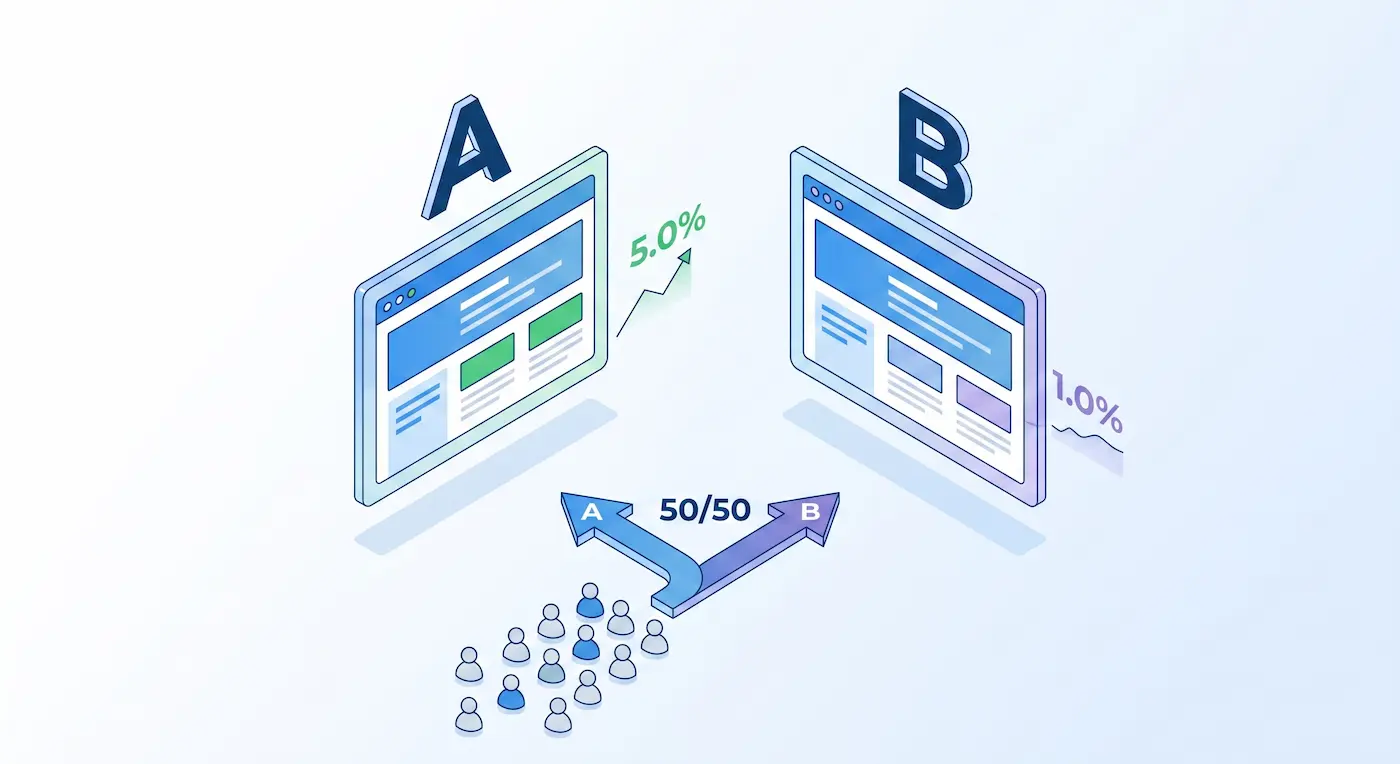
Important Note: Bounce rate is highly dependent on the traffic channel and should be analyzed in narrow segments rather than as an overall site average. For example, you should use it to evaluate a new audience segment, audit Display Network placements, or compare the effectiveness of two landing pages during an A/B test.
2. Pages per Session (Depth of View)
What it is: The average number of pages a user views during a single visit (session) to your website. The higher the metric, the more engaged the user is with your content.
- Formula: Total Pageviews ÷ Total Sessions
- Example: If 100 visitors viewed a combined total of 350 pages, the Pages per Session is 3.5.
Why it matters: A high depth of view directly correlates with brand loyalty and purchase intent. If a user has viewed 5–7 pages on an e-commerce site, they are likely comparing products and are very close to adding items to their cart.
How to improve Pages per Session:
- Internal Linking: Always link to other relevant articles or products within your text.
- Recommendation Blocks: Use widgets like "You might also be interested in" or "Frequently bought together."
- User-Friendly Navigation: Clear menus, breadcrumbs, and a prominent search bar ensure the user doesn't get lost.
- Content Segmentation: Break up massive articles into multiple pages or use a sticky table of contents with anchor links for quick navigation.
Important Note: If we are talking about a Landing Page—a single-page website built for one specific target action—the "Pages per Session" will, by definition, be 1. It will rarely be higher unless they submit a form and are redirected to a Thank You page. Therefore, this metric is primarily relevant for multi-page websites.
Conclusion
A low bounce rate combined with a high pages-per-session metric is the ultimate proof that you have attracted a high-quality audience and that your website is effectively retaining and engaging them.
Read new articles:







Рентабельные рекламные кампании в Яндекс.Директ
Настроим и будем вести контекстную и таргетированную рекламу для вашего бизнеса
Создадим систему привлечения новых клиентов
Уменьшим цену входящего звонка и заявки
Увеличим заказы на маркетплейсах: Ozon, Yandex Market, WB
Подготовим понятные отчеты и аналитику