
How to Choose a Domain Name: 7 Rules for B2B Websites
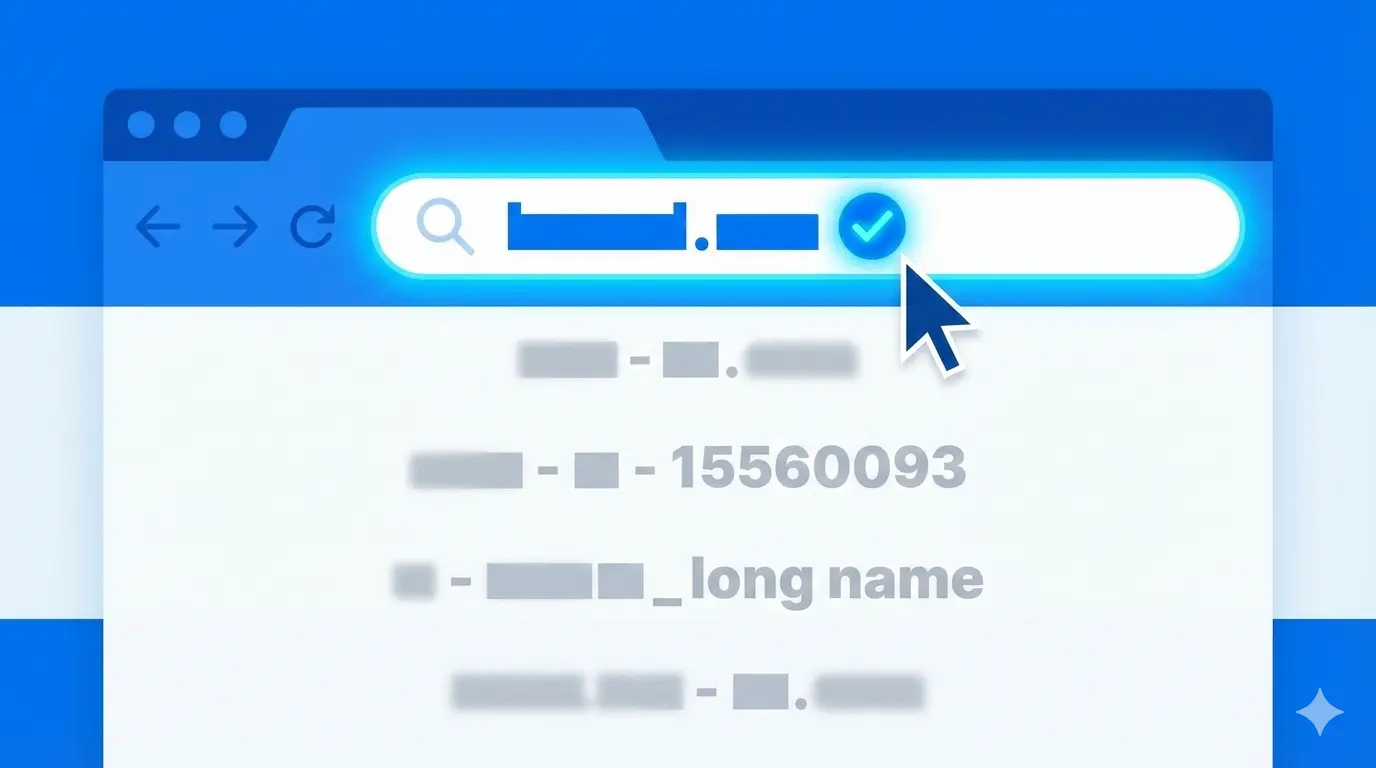
A domain name is your digital real estate. It is the exact address where clients, partners, and search engine bots will find you.
Many founders pick a domain in five minutes, guided only by the principle of "well, it's available." This is a mistake. A poorly chosen domain means lost traffic, misdirected emails, and a diluted brand. Changing it later is incredibly difficult, expensive, and inevitably destroys your SEO rankings.
Here are the 7 golden rules for choosing a domain that works for your business, not against it.
Rule 1. Brevity is the Soul of Traffic
The shorter the domain, the easier it is to remember, type into a browser, and print on a business card.
Long domains provoke typos. If a user gets just one letter wrong, they land on an error page or, worse, on the website of a competitor who was smart enough to buy the misspelled version.
- Ideal: Under 10–12 characters.
- Bad:
best-affordable-web-design-in-london.com(by the time they type it, they forget what they were looking for). - Good:
webcraft.comordesignpro.com.
Rule 2. The "Radio Test" (Spellability)
Imagine dictating your website address over the phone or promoting it on a podcast. Can a person spell it correctly on the first try without asking clarifying questions?
Avoid complex letter combinations, slang, or words with multiple spellings.
- Problematic words: Using "X" instead of "Ex" (Xtreme), "Ph" instead of "F", or "U" instead of "You".
- Bad:
phinancial-xperts.com(Is it F or Ph? X or Ex?). - Good:
financepros.com.
If your domain is hard to spell out loud, you will permanently lose a massive chunk of direct traffic.
Rule 3. Brand Over Keywords
A decade ago, Exact Match Domains (EMDs) ruled SEO. Everyone registered URLs like buy-cheap-windows-new-york.com.
Today, this works poorly and looks like spam. Search engines and users alike prefer legitimate brands.
- Old-school SEO:
cheap-landing-pages.com(looks like a fly-by-night scam). - Modern approach:
landify.comorpagekraft.com(looks like a trustworthy tech partner).
It is always better to invent a unique, catchy brand name and register the corresponding domain than to awkwardly stuff search queries into your web address.
Rule 4. Avoid Hyphens and Numbers
A hyphen is a crutch. People usually resort to it when their desired name is already taken.
- The Hyphen Problem: Users frequently forget to type the dash and accidentally visit your competitor, who owns the unhyphenated version.
- The Number Problem: When you dictate a domain with a number, immediate confusion arises: should the user type the digit ("7") or the word ("seven")? Numbers are only acceptable if they are a core part of your brand (e.g.,
Studio24).
Exception: If you manage to buy both versions (with and without the hyphen/number) and set up a 301 redirect to the main one, you are safe.
Rule 5. Choose the Right Extension (TLD)
The Top-Level Domain (TLD) indicates your geography, industry, or business focus.
- .com — The global gold standard. It inspires the most trust. Always prioritize getting the .com if you plan to work internationally.
- .co.uk / .com.au / .us — Excellent for local businesses explicitly targeting a specific country.
- .io / .co / .ai — Highly acceptable and trendy in the tech, startup, and digital agency space.
- .online / .store / .tech — Acceptable if primary zones are taken, but be careful: older demographics might still instinctively type ".com" at the end of your brand name out of habit.
Rule 6. Check Social Media Availability
The ideal scenario is when your domain exactly matches your handles on social media (LinkedIn, X/Twitter, Instagram, YouTube). This creates a cohesive, professional brand image.
Before purchasing a domain, run it through tools like Namechk to ensure the corresponding handles are still available across major platforms.
Rule 7. Check the Domain's History
Many "available" domains were actually used in the past. If the previous owner hosted illegal content, spammed link networks, or got hit by Google penalties, you are buying a domain with a "black mark." It will be incredibly difficult to rank a penalized domain in search engines.
How to check:
- Wayback Machine (Web Archive): Look at screenshots of what was hosted on the site years ago.
- Whois History: Check how often the ownership changed hands.
Choosing a domain is a strategic decision that shapes your brand's future. Do not rush the process. It is far better to spend a few days brainstorming and rigorously checking options than to bleed clients for years due to a clumsy, untrustworthy web address.
Read new articles:







Рентабельные рекламные кампании в Яндекс.Директ
Настроим и будем вести контекстную и таргетированную рекламу для вашего бизнеса
Создадим систему привлечения новых клиентов
Уменьшим цену входящего звонка и заявки
Увеличим заказы на маркетплейсах: Ozon, Yandex Market, WB
Подготовим понятные отчеты и аналитику