
Zapier vs. Make (Integromat): Which to Choose for Business Automation in 2026? A Comparison
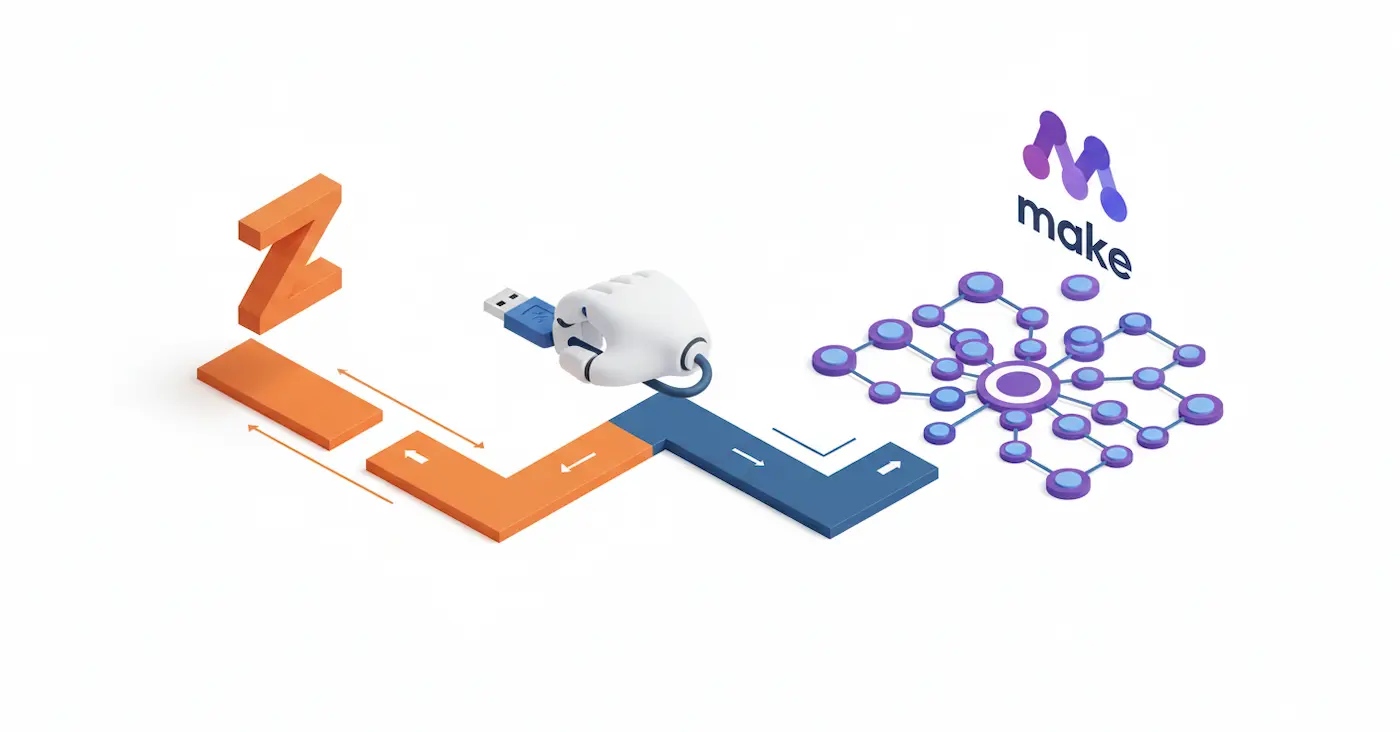
Introduction: The Glue for the Internet
Is your manager still manually copying leads from the website into a Google Sheet? And then manually creating a card in the CRM and texting the client on WhatsApp? Congratulations, you are burning money. In 2026, manual data entry is a vestige of the past.
Today, different services (Webflow, CRM, email, messengers) communicate with each other directly. To do this, they need "glue" — automation platforms. They work on a simple principle: "If THIS happens (Trigger), then do THAT (Action)."
There are two main players on the market: the veteran Zapier and the powerful competitor Make (known to many by its old name, Integromat).
Both are excellent, but choosing the wrong tool can cost you thousands of dollars a year in subscriptions or hours in debugging. Let's break down who is who.
Contender #1: Zapier (The "iPhone of Automation")
Zapier is the market pioneer. It made automation accessible to the everyday user.
- Philosophy: Maximum simplicity. The interface is strictly linear: Step 1 -> Step 2 -> Step 3.
- Main Advantage — Ecosystem: Zapier supports over 6,000+ apps. If a service has an API at all, it's likely already in Zapier.
- Main Disadvantage — Price and Logic: Zapier is expensive. It also struggles with complex, non-linear tasks (e.g., "If the client is VIP, send them here; if not, send them there; if there's an error, repeat in an hour").
- Who it's for: Small businesses and marketers who need to quickly set up a simple "Landing page lead -> Telegram notification" connection and forget about it.
Contender #2: Make / ex. Integromat (The "Engineering Erector Set")
Make looks completely different. It's not a list of steps, but a visual map. You connect bubble-modules, build routes, filters, and loops.
- Philosophy: Visualization and flexibility. You see the entire process at a glance.
- Main Advantage — Power and Price: Make allows you to build incredibly complex scenarios with conditions, iterators (list processing), and error handling. At the same time, its pricing is often 3–5 times more cost-effective than Zapier at high data volumes.
- Main Disadvantage — Entry Barrier: A beginner might be intimidated by an interface filled with "bubbles" and settings. You need to understand basic data logic (arrays, JSON).
- Who it's for: Medium and large businesses, startups, and those who need complex logic. If you need to synchronize a database of 10,000 products between a website and an ERP system — this is a job for Make.
Comparison in Real-World Scenarios
The Price Tag: Where Are the Hidden Costs?
Their pricing models are fundamentally different.
- Zapier charges per "Tasks". If a scenario runs successfully from start to finish, that is 1 task.
- Make charges per "Operations". Every single action within a scenario (trigger check, filter, search, creation) counts as an operation.
Let's look at an example: A 5-step scenario was triggered 1,000 times in a month.
- In Zapier, you spent 1,000 tasks (Starter Plan, ~$20/mo).
- In Make, you spent 5,000 operations (Core Plan, ~$9/mo).
Despite the higher operation count, Make is almost always more cost-effective when dealing with large volumes.
Conclusion: Which Should You Choose?
Tools should always be chosen based on the task at hand.
- Choose Zapier if you have simple processes, no dedicated IT specialist, and the budget allows. It is incredibly reliable and effortless to use.
- Choose Make if you want to build complex ecosystems, save money as you scale, and deeply value flexibility. It is well worth the time invested in learning it.
Read new articles:









Рентабельные рекламные кампании в Яндекс.Директ
Настроим и будем вести контекстную и таргетированную рекламу для вашего бизнеса
Создадим систему привлечения новых клиентов
Уменьшим цену входящего звонка и заявки
Увеличим заказы на маркетплейсах: Ozon, Yandex Market, WB
Подготовим понятные отчеты и аналитику