
WordPress vs. Webflow: A 3-Year Total Cost of Ownership (TCO) Comparison
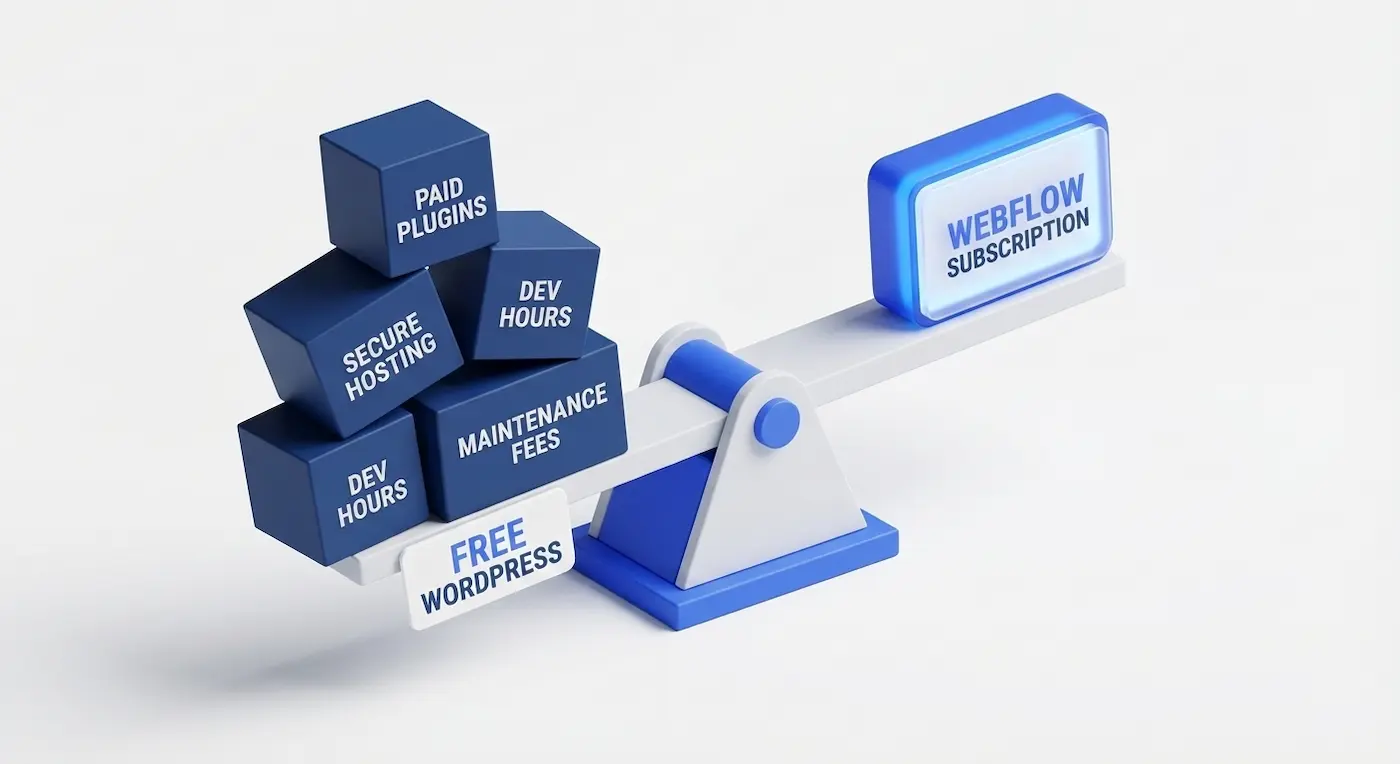
Introduction: The Illusion of "Free"
When a business decides to launch a new website, WordPress (WP) is often the default choice. The argument is simple: "It is free, incredibly popular, and you can build anything on it." In contrast, Webflow often intimidates beginners with its mandatory monthly subscription fee of $14 to $23.
However, if you plan to operate your website for more than a year, the initial platform license is just the tip of the iceberg. In this article, we will calculate the true Total Cost of Ownership (TCO)—the comprehensive cost of running a website, including development, security, and ongoing technical support.
WordPress: A DIY Builder with Hidden Surprises
WordPress began as a simple blogging platform but evolved into a universal digital Swiss Army knife. The fundamental problem is that the "free" version of WP is just a barebones core. To build a functional corporate website, you have to stack heavy add-ons on top of it.
1. Plugin Sprawl (Hidden Costs)
To ensure a WP site is fast, secure, and has the necessary functionality, you must buy premium plugins. Tools like Elementor Pro, WP Rocket, Yoast SEO Premium, and anti-spam shields cost anywhere from $40 to $150 a year each.The Risk: Updating one plugin can frequently break another. This is called a "dependency conflict," and resolving it requires paying for hours of an emergency developer's time.
2. Security and Hosting
WordPress accounts for over 90% of all hacked websites globally. To mitigate this, you cannot rely on cheap hosting. You must pay for expensive managed hosting with daily backups and active malware protection (like WP Engine or SiteGround), which instantly nullifies the savings of using a "free" engine.
Webflow: A Professional Visual Development Environment
Webflow is not a traditional website builder; it is a visual interface for writing clean, semantic code. There are no "plugins" in the traditional WordPress sense because 90% of the essential business functionalities are natively built into the core platform.
1. Clean Code and Speed
Webflow generates pristine HTML/CSS. Search engines (like Google) absolutely love this lightweight architecture, which saves your marketing budget on technical SEO optimization. You do not need to buy premium caching plugins to make the site fast—it flies right out of the box.
2. Enterprise-Grade Hosting and Security
A Webflow subscription automatically includes global AWS (Amazon Web Services) hosting, enterprise-grade SSL certificates, and native DDoS protection. You never have to worry about your site getting hacked. You never have to manually run system updates—the platform updates itself seamlessly without breaking your frontend layout.
The Math Over 3 Years (By the Numbers)
Let's compare the operational expenses for a standard B2B corporate website (20–30 pages, a blog, and lead capture forms) over a 3-year lifecycle.
Note: This calculation does not include the initial design and development costs. While initial development rates vary depending on the engineer, building a custom site on Webflow is generally 30–50% faster than custom coding a WordPress theme.
Why is Webflow the Smarter Choice for Business?
The ultimate value of Webflow is not just saving ~$2,000 over three years. The true value is the complete elimination of the business owner's headaches.
- A Human-Centric Editor: A marketing manager can change a headline, swap an image, or publish a blog post in 5 seconds without the fear of breaking the site's layout. In WordPress (especially with heavy page builders like Divi or WPBakery), content updates often turn into a frustrating maze.
- Native SEO Readiness: All critical settings (301 Redirects, Schema.org markup, Meta tags, automated XML sitemaps) are located in one clean dashboard and work flawlessly.
- Infinite Scalability: You can launch a new service category or a complex programmatic SEO blog with just a few clicks via the Webflow CMS, all while maintaining perfect design consistency.
Conclusion: Which Should You Choose?
If you only need a simple hobby blog, or if you already have an in-house system administrator on payroll who is ready to patch vulnerabilities and update plugins every week—WordPress remains a viable option.
However, if your goal is to possess a high-performance marketing tool that runs with 99.9% uptime, gets indexed rapidly by Google, and does not require you to call a developer every month for routine maintenance, Webflow is a capital investment that pays for itself in the very first year.
Read new articles:










Рентабельные рекламные кампании в Яндекс.Директ
Настроим и будем вести контекстную и таргетированную рекламу для вашего бизнеса
Создадим систему привлечения новых клиентов
Уменьшим цену входящего звонка и заявки
Увеличим заказы на маркетплейсах: Ozon, Yandex Market, WB
Подготовим понятные отчеты и аналитику