
The Ultimate Webflow SEO Architecture Checklist for B2B Brands
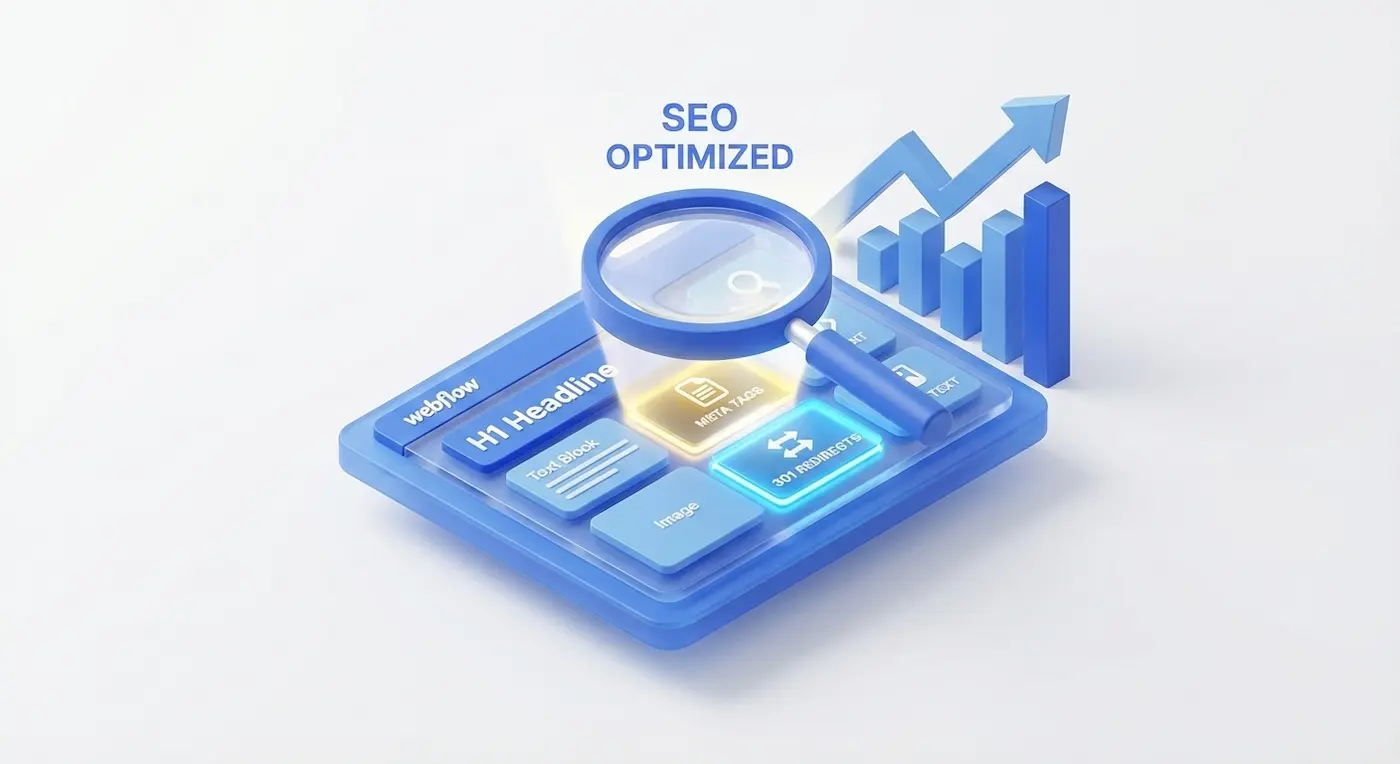
The End of the "Yoast SEO" Era
"Can you even do SEO on Webflow? There’s no Yoast plugin!" — This is the most common question I hear from B2B marketing directors during migration consultations.
The short answer is: Yes. And it is fundamentally superior to WordPress.
Webflow allows engineers to control technical SEO at the core architectural level, without relying on heavy, vulnerable third-party plugins that bloat your code and destroy your loading speeds. Google algorithms reward Webflow sites for their pristine DOM structure, native AWS hosting, and instant mobile responsiveness.
However, the engine alone won't magically rank you at the top — the infrastructure must be configured correctly. Here is the exact 7-step engineering checklist we use to architect high-ranking Webflow projects.
1. Semantic DOM Architecture (The Foundation)
Googlebot is a machine. It does not "see" your beautiful design; it reads your HTML structure. A common mistake made by junior designers is creating visual headings simply by making a paragraph text larger and bolder. To Google, that is just a regular paragraph.
The Engineering Fix:
- Strict Hierarchy: Use heading tags mathematically.
H1is strictly one per page (the main topic).H2for primary sections.H3for sub-sections. - Tag Verification: In the Webflow settings panel, always verify that the HTML Tag dropdown matches the logical hierarchy.
- Semantic HTML5: Wrap your content in proper structural tags:
<nav>,<header>,<footer>,<section>, and<article>. In Webflow, this takes exactly one click and instantly helps search engines understand your layout.
2. Programmatic Meta Data (Title & Description)
This is your digital storefront on the Google search results page.
- Title Tag: The blue clickable link. It must contain your primary target keyword.
- Meta Description: The text beneath the link. It doesn't directly boost rankings, but it heavily dictates your Click-Through Rate (CTR).
The Webflow CMS Hack (Programmatic SEO):For blogs, case studies, or programmatic location pages, you do not need to write these manually. Use Webflow's purple "Add Field" variables to architect a dynamic template.Example: Enterprise [Service Name] Solutions in [City] | [Company Name]. Webflow will automatically inject the correct database values for hundreds of pages instantly.
3. Social Graph Architecture (Open Graph)
When your sales team drops a link to your new case study into a Slack channel or a LinkedIn post, the platform pulls a preview image and title. If Open Graph (OG) is not configured, the link looks broken, gray, and unprofessional.
The Engineering Fix:Navigate to the Open Graph Settings (directly under SEO in page settings). You can automatically mirror your SEO Title/Description, but more importantly, you must bind a high-quality Open Graph Image URL so your links command attention in B2B social feeds.
4. Code Minification & Core Web Vitals
Google officially uses page speed and user experience as ranking factors.
- Asset Minification: In your Project Settings (Publishing tab), check the boxes for Minify HTML, CSS, and JS. Webflow's server will strip out unnecessary spaces and comments, delivering a lighter payload to the browser.
- Next-Gen Media: Webflow automatically converts uploaded images to the modern
WebPformat and generates responsive variants for mobile devices. You get enterprise-grade image optimization right out of the box.
5. 301 Redirect Mapping (Protecting Link Equity)
This is the most critical step if you are migrating an existing website to Webflow. If your old URL was site.com/about-us and your new Webflow URL is site.com/team, the old link will generate a 404 Error. You will instantly lose years of accumulated SEO authority.
The Engineering Fix:Go to Project Settings -> Hosting -> 301 Redirects. Simply map the old URL path to the new URL path. The server will seamlessly pass 100% of the "link equity" to your new architecture.
6. XML Sitemaps & Crawl Budget (Robots.txt)
- Auto-Sitemap: Search engines need a map to navigate your site. In Webflow, simply toggle Auto-generate sitemap in the SEO settings. The system will dynamically update it every time you publish.
- Robots.txt: You must instruct Google on what not to index. Use the custom robots.txt field to block internal staging pages, "Thank You" conversion pages, and legal drafts to preserve your crawl budget.
7. ADA-Compliant Alt Text
Google Image Search is a massive driver of organic B2B traffic. To index your graphics, the crawler needs text context.In Webflow, select any image, go to Settings, and fill out the Alt Text. Write highly descriptive, keyword-aware sentences that also serve visually impaired users utilizing screen readers (ADA Compliance).
Debunking the Myth: "Webflow is Bad for SEO"
This myth originated around 2015 when the platform was still in its infancy. Today, enterprise SaaS, Fintech, and global agencies dominate competitive search results using Webflow.
Why Webflow Outperforms Legacy WordPress in SEO:
- Global AWS Infrastructure: Your site is hosted on Fastly and Amazon Web Services (AWS), loading instantly worldwide via an enterprise CDN.
- Zero Plugin Bloat: WordPress SEO plugins inject hundreds of lines of redundant PHP and JavaScript. Webflow outputs pure, semantic HTML.
- Enterprise Security: SSL certificates are built-in and auto-renewed. Google aggressively penalizes sites without proper HTTPS encryption.
Summary
Mastering SEO in Webflow does not require black magic or digging through broken PHP files. It is a visual, architectural process available directly in the designer interface. If you follow this checklist, your technical SEO foundation is flawless. From there, your only job is producing high-quality B2B content.
Is your current website failing to rank? We specialize in technical SEO audits and Webflow migrations for B2B brands. Let’s audit your DOM structure and find the bottlenecks holding your traffic back.
Read new articles:









Рентабельные рекламные кампании в Яндекс.Директ
Настроим и будем вести контекстную и таргетированную рекламу для вашего бизнеса
Создадим систему привлечения новых клиентов
Уменьшим цену входящего звонка и заявки
Увеличим заказы на маркетплейсах: Ozon, Yandex Market, WB
Подготовим понятные отчеты и аналитику