
Scrolljacking: Why Your "Smooth Scrolling" is Destroying UX and Killing B2B Conversions
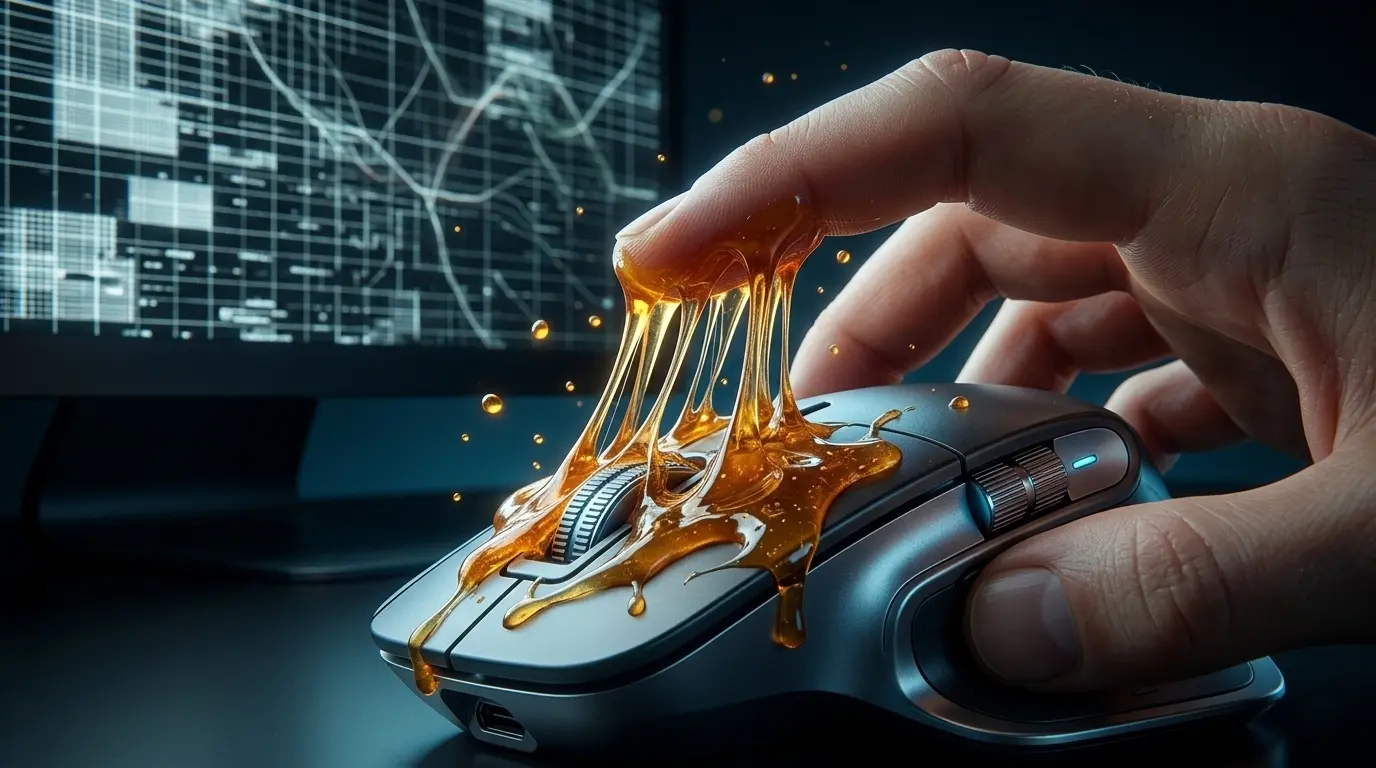
Have you ever visited a website where your mouse wheel suddenly felt like it was stuck in molasses? You scroll down, but the page lazily slides along with a half-second delay. Or worse, one slight flick of the trackpad violently throws you three sections down the page.
This is called Scrolljacking (Scroll + Hijacking). It is an attempt by a developer or designer to override your browser's native physics and take control of your device. In 2026, it remains one of the fastest, most guaranteed ways to make a B2B client close the tab.
The Print Designer's Ego: A Flawed Lineage
Where did the obsession with "viscous," heavy scrolling come from? More often than not, it is a byproduct of the designer's ego.
Many graphic designers transitioned to the web from print. They are accustomed to working with a static canvas. To them, a website is not a functional tool; it is an art installation or a cinematic reel. When this type of designer presents a mockup, they step back, squint, and slowly, almost triumphantly, scroll through the page, savoring every delayed animation.
They want the visitor to consume the website exactly like that: at their pace, in their rhythm, like in a movie theater.But the web is not a cinema. It is a highly efficient supermarket where enterprise buyers want to find the specifications, read the case study, and move on.
Why Scrolljacking is a Business Liability: 3 Core Reasons
1. The "Greasy Touchpad" Effect (Loss of Proprioception)
Users have a deeply ingrained physical expectation of how their specific device reacts to their fingers (proprioception). When you inject heavy JavaScript to "smooth out" the scroll, you sever that physical connection.The user instantly feels a subconscious physical disconnect—as if their mouse is broken, the battery is dying, or their trackpad is covered in grease. This immediately triggers subconscious anxiety and frustration toward your brand.
2. Device Discrimination
Every user’s hardware and motor skills are different:
- Some use an Apple Magic Mouse with hyper-smooth inertial scrolling.
- Some use an old office mouse with a tactile, clicking scroll wheel.
- Some use trackballs or touchscreens.
Scrolljacking attempts to force a "one-size-fits-all" physics engine onto everyone. As a result, it breaks the accessibility of the site, effectively crippling the user's ability to control how fast they consume your information.
3. Core Web Vitals and SEO Penalties
Any heavy JavaScript that constantly "listens" to scroll events puts a massive strain on the browser's main thread. This leads to:
- Crashing INP Metrics: Interaction to Next Paint plummets because the browser is too busy calculating scroll math to respond to button clicks.
- Janky Animations: On average corporate laptops, the site stutters and drops frames.
- Lost SEO Rankings: Google aggressively penalizes sites with poor performance metrics, meaning your competitor's fast, native website will outrank your "cinematic" experience.
The Technical Breakdown: Native vs. Scrolljacking
Here is how the two approaches compare from a purely engineering and business perspective:
How to Animate Without Ruining the UX
If you want your site to feel modern and premium, there are legitimate, engineered ways to achieve it without hijacking the mouse:
- CSS Smooth Scrolling: Using
scroll-behavior: smooth;is a native command. It makes anchor-link jumps smooth, but it never overrides the user's physical mouse wheel. - Scroll-Triggered Animations (Webflow IX2): Tie animations to the scroll position, not the scroll physics. The user scrolls normally, but as elements enter the viewport, they smoothly fade in or translate. This is the gold standard for premium B2B sites.
- Prioritize Content: If an animation delays a procurement manager from reading your H1 by even two seconds—delete the animation.
Summary
A website is fundamentally a user interface. The primary job of an interface is to get out of the user's way. When you artificially slow down a user, you are implicitly telling them: "I don't care about your time; just look at my beautiful animations."
In 2026, the brands that win are the ones with fast, responsive, and "obedient" websites. Do not let an unchecked design team turn your primary B2B sales asset into a sluggish cartoon.
Notice your site acting strangely when you scroll? I help agencies and B2B brands strip out bloated code, implement proper Webflow animations, and give control back to the user.
Read new articles:



Рентабельные рекламные кампании в Яндекс.Директ
Настроим и будем вести контекстную и таргетированную рекламу для вашего бизнеса
Создадим систему привлечения новых клиентов
Уменьшим цену входящего звонка и заявки
Увеличим заказы на маркетплейсах: Ozon, Yandex Market, WB
Подготовим понятные отчеты и аналитику